Ground control and simulation
The software around the vehicle gets the same care as the vehicle: a ground control program for launch day, a viewer for taking a flight apart, and a flight simulator that flies the real flight code.
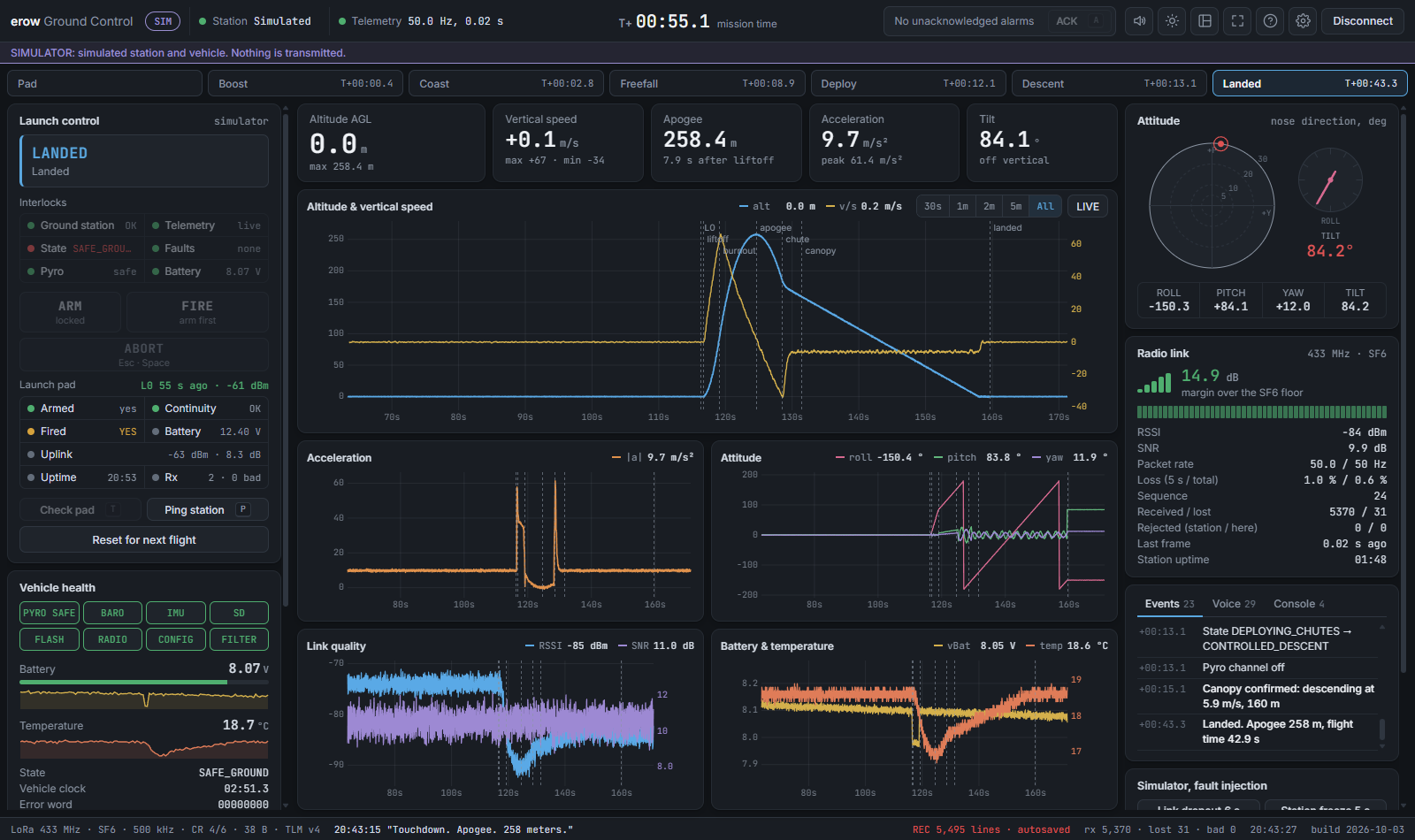
A simulated vehicle and ground station, flown live in your browser. Nothing is transmitted.
Ground Control
Launch-day software in a single offline file. It reads the ground station, shows and announces the vehicle's telemetry live, enforces launch interlocks, and records every flight so it can be replayed afterwards.
- Interlocks: arming is refused, and an armed system disarms, while any safety check is open. Each check can be overridden on purpose; an override is recorded and announced.
- Announcements: a built-in voice calls out liftoff, burnout, apogee, deployment, canopy and touchdown, and warns about link, battery and faults. It works offline.
- Recording and replay: every line from the ground station and every command is recorded in the browser, so a crashed tab loses nothing, and a recording replays through the same code with its original timing.
- Recovery aids: the last contact is kept after the signal is lost, and a signal finder helps to walk to the vehicle with a directional antenna.
- No install: one file that opens in Chrome or Edge.
Data Viewer
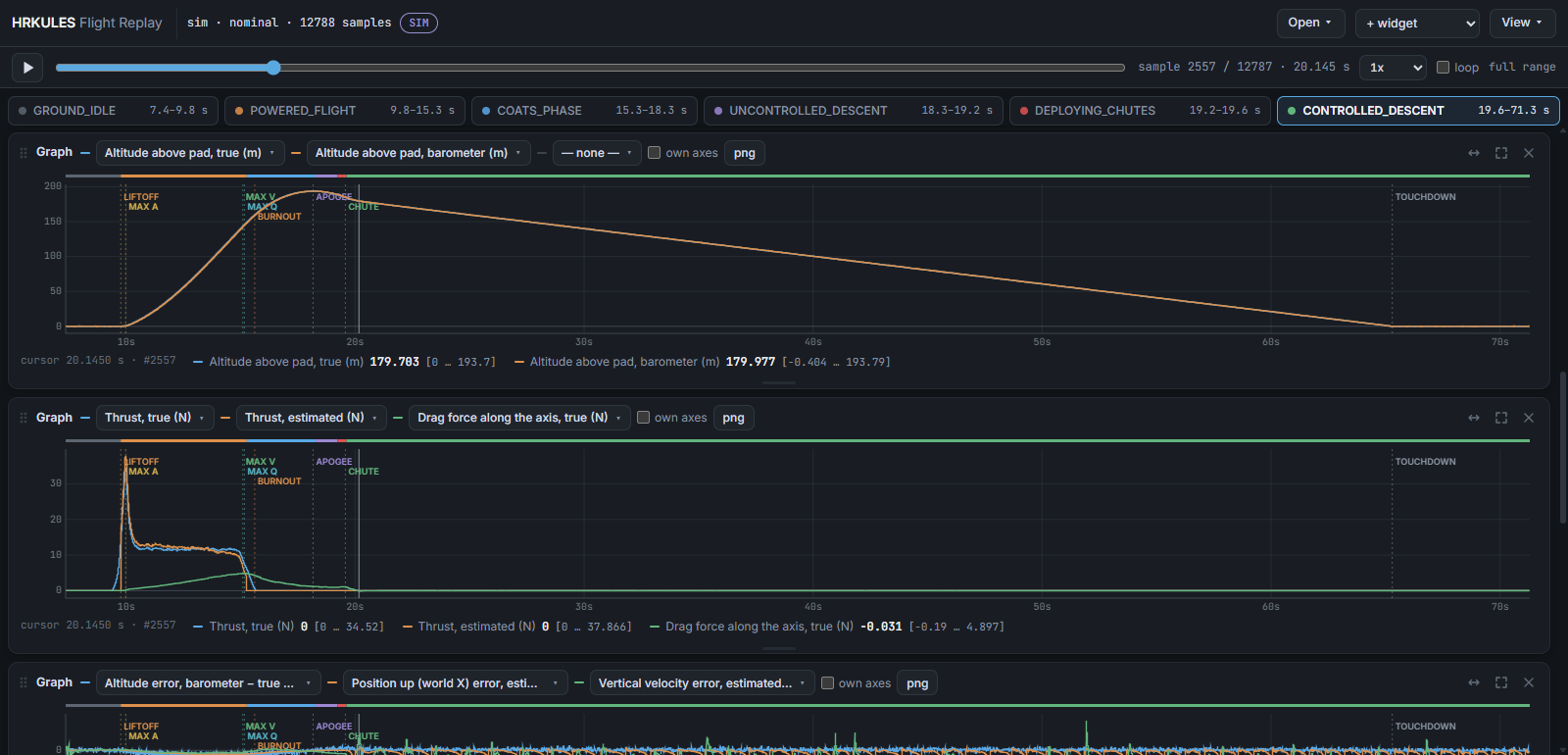
Opens a flight from the real vehicle or from simulation and marks the key events automatically. Runs can be zoomed, measured and laid over one another, so a simulation can be held up against a real flight.
Flight simulation
Every change to the flight software is flown on a computer first. A full six-degree-of-freedom model flies the real flight code, and a second rig has the real board fly the same model on the bench. Failures are injected on purpose — dead sensors, motors that do not light, wind — to check that the vehicle always ends up safe.
The software-in-the-loop rig compiles the whole flight computer into one program on a PC, so the full set of scenarios runs in seconds. The hardware-in-the-loop rig lets the real board fly the same model on the bench in real time, with the servos moving and the radio transmitting.