Thrust vector control · Est. 2019 Technical overview

Rockets that steer themselves

Actively stabilised model rockets. Two-axis thrust vector control, avionics designed and built in-house, and hardware that gets rebuilt until the flight data says it works.

Follow @erow_2019

Thrust vector control for small solid-motor rockets

A solid motor burns until it is empty, whether or not the vehicle is pointing the right way. erow builds airframes that steer the motor instead of the airflow: a two-axis gimbal driven by an in-house flight computer that handles sensing, control, recovery and radio on one board.

Status: bench qualification. No closed-loop flight has been attempted yet; the first guided hop is next.
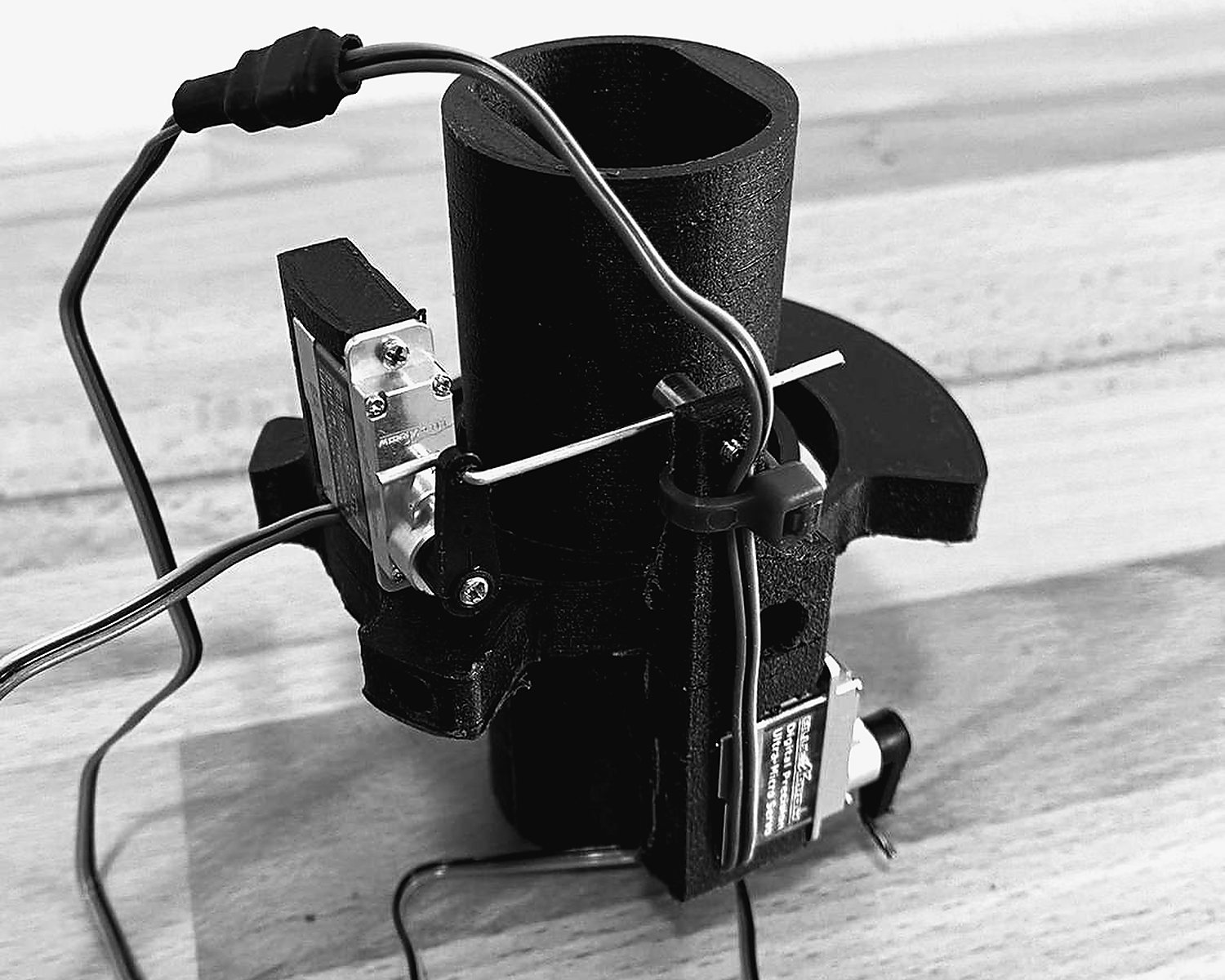
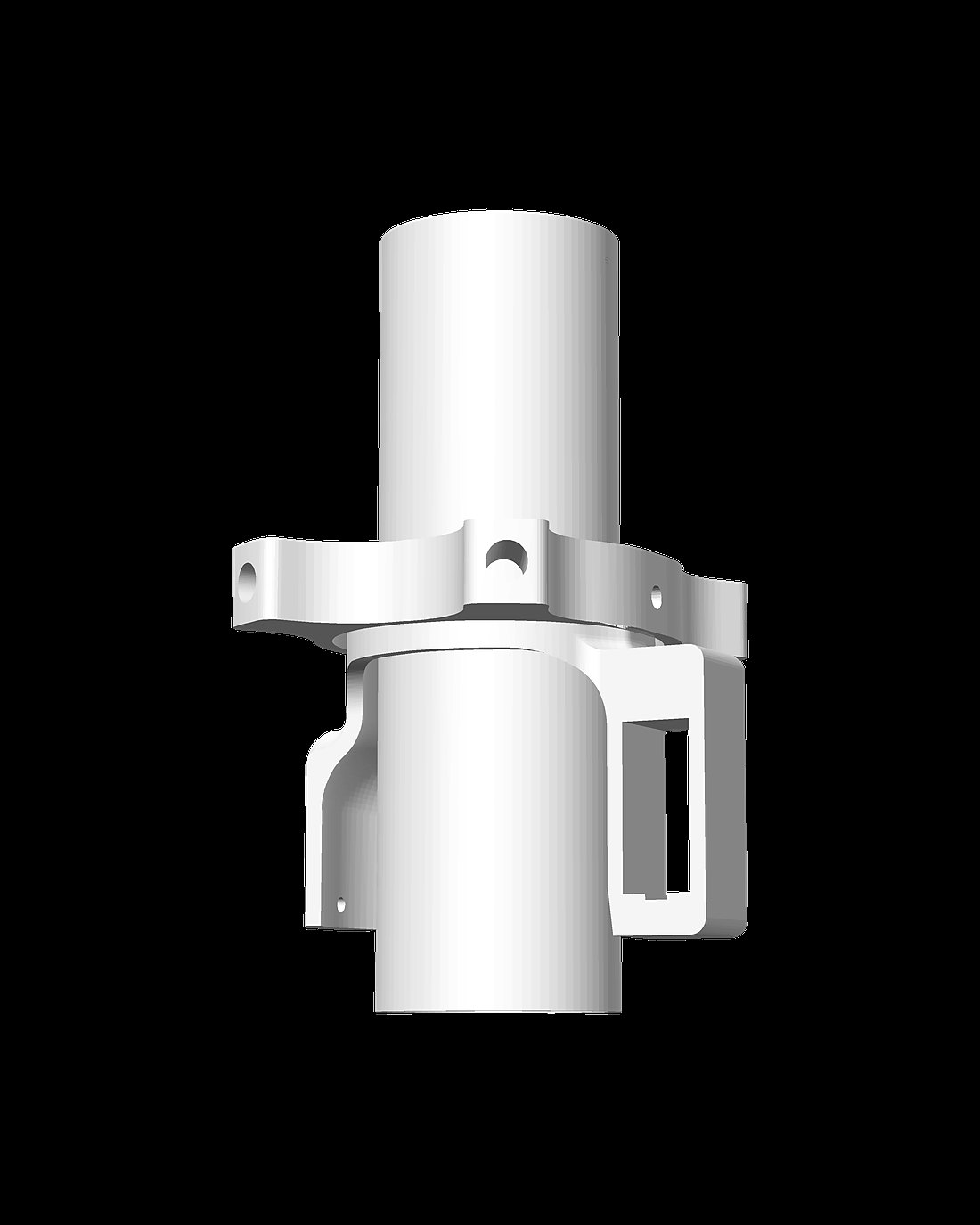
The mk10 thrust vector control gimbal, rendered from CADGimbal · mk10
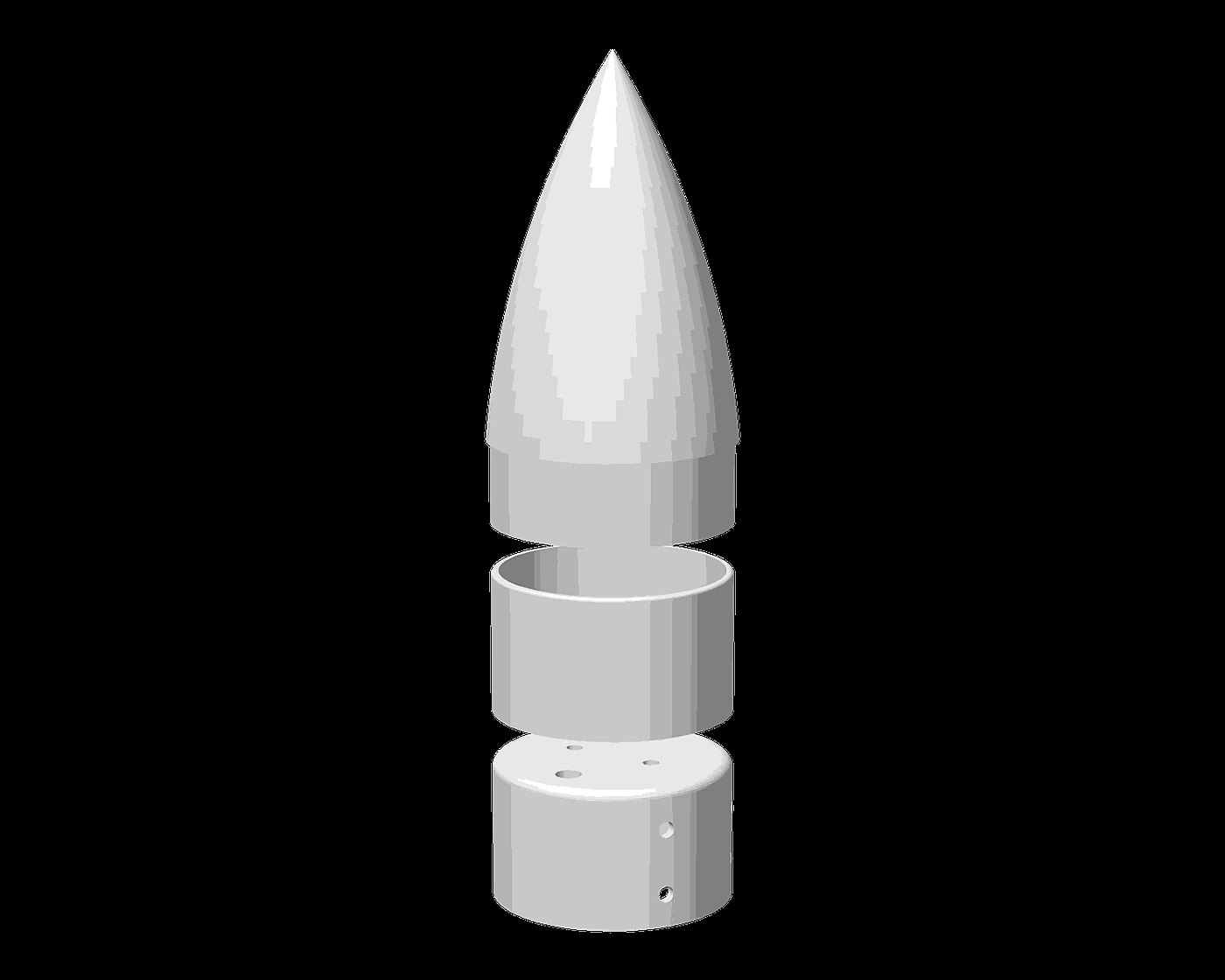
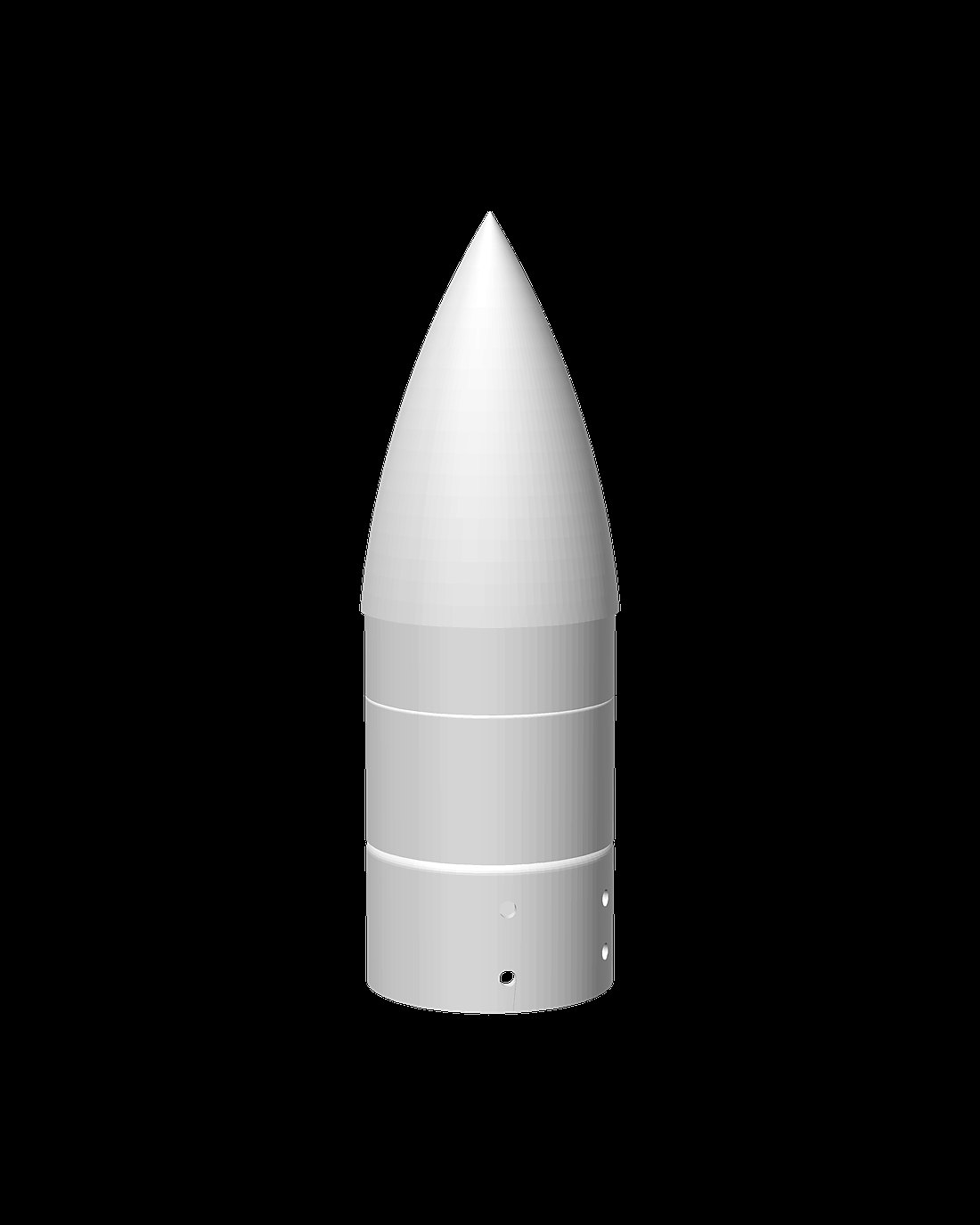
The mk7 recovery section shown exploded, rendered from CADRecovery · mk7
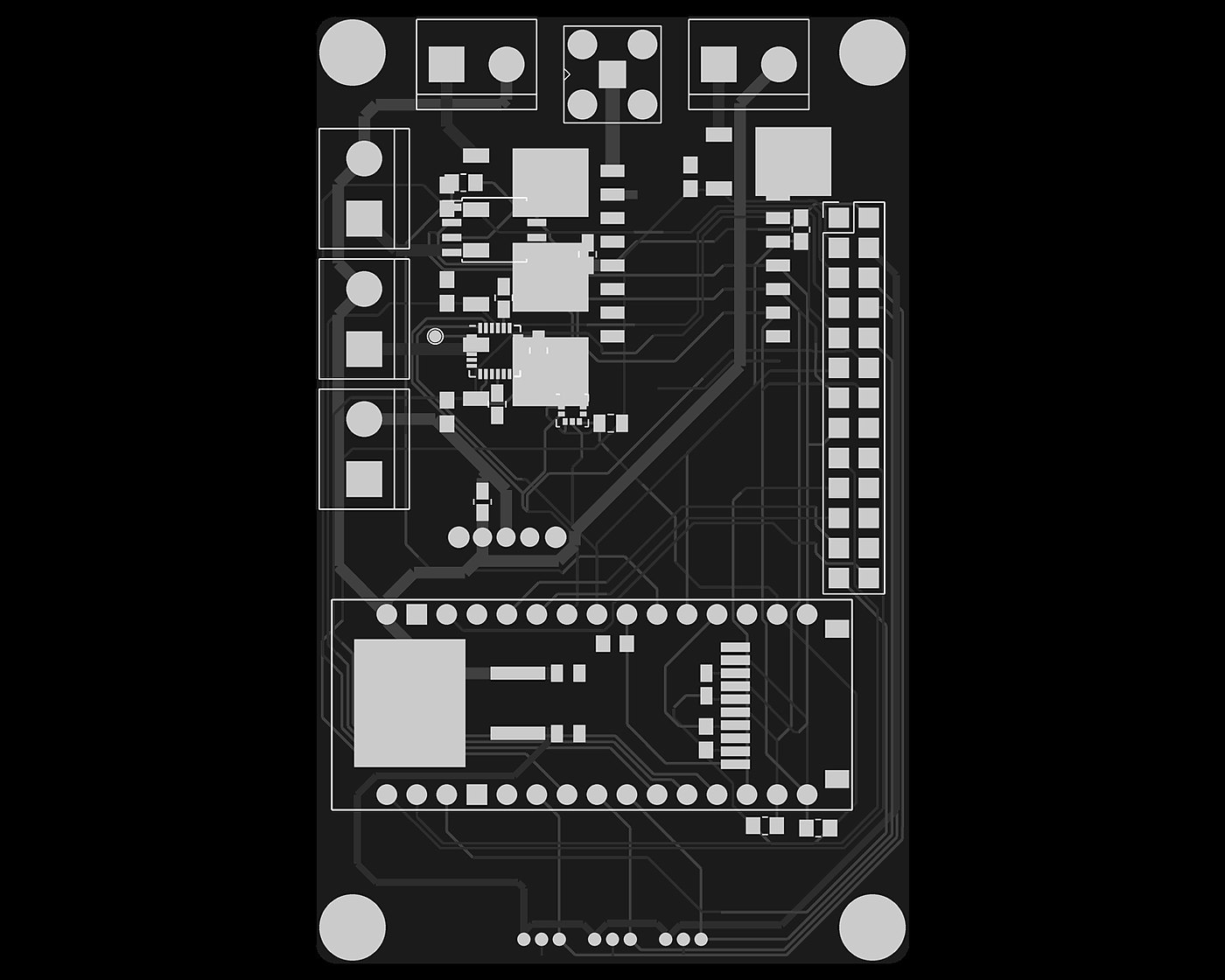
The HRKULES V3 flight computer, drawn from the KiCad layoutAvionics · V3
Test article
EA-475 mm airframe
Flight computer
HRKULES V3RP2040
Founded
2019independent
1.0

Program

erow has run since 2019. Each airframe in the series exists to close out one class of problem before the next one is opened, and subsystems carry their own revision numbers independently of the vehicle they fly on.

Cutaway of the EA-4 vehicle, shown horizontally: gimbal section, avionics bay, recovery section and nose cone
Fig. 1.1  —  EA-4 internal stack, cutaway · aft to forward: gimbal section, avionics bay, recovery section, nose cone
The EA-2 standing on a gravel pad: a yellow tube with a white nose and three fins
EA-2 on the pad
A spent motor casing on grass next to a scorched patch
EA-2, the launch site after liftoff
EA-2 at ignition, seen from the onboard camera
The EA-4 test airframe on a white background: a cardboard tube with printed end pieces
EA-4 test airframe
Vehicle series
VehiclePeriodConfigurationClosed out
EA-22020Unguided, three fins, solid motorFlight series with onboard camera; ignition, launch procedure and ejection recovery
EA-32021First steered airframeFirst gimbal and steering unit; dedicated parachute recovery section
EA-42022 →75 mm, gimballed motor, HRKULES avionicsCurrent test article — gimbal mk10, recovery mk7, avionics V3
Subsystem revision state
SubsystemRevisionsCurrent buildStatus
Thrust vector controlmk1 → mk1075 mm gimbal, two servos, pushrodsBench test
Recoverymk1 → mk7Pyro-fired piston ejectionBench test
Avionics — HRKULESV1 → V3RP2040, KiCad layoutBench test
Ground station—433 MHz receiver, printed enclosureBuilt
Launch padv3Radio-linked to Ground ControlIn build
3.0

Architecture

One pass through a fixed 200 Hz loop: read the IMU and the barometer, let the state machine decide whether the flight has changed phase, update the estimator, and in powered flight run both PID axes and write the servos. Then log the cycle and send the packet. Phase changes follow what the sensors report.

HRKULES flight software architecture Sensor data from the IMU and barometer feeds a navigation block, which drives both the flight state machine and the two attitude PID loops. The PID loops command the gimbal servos; the state machine commands the pyro channel and gates the control loop. Every cycle is written to onboard flash and transmitted as a compact packet over the radio downlink. SENSING NAVIGATION GUIDANCE & CONTROL ACTUATION DATA HANDLING MPU6050 6-axis IMU accel · gyro · temp BMP180 barometric pressure altitude ATTITUDE rotX · rotY · rotZ body → global frame STATE ESTIMATE Kalman: baro + accel altitude · velocity PID · TWO AXES independent per axis setpoint 0° STATE MACHINE flight phases · sensor-triggered GIMBAL SERVOS 2 axes, travel clamped in software before write PYRO CHANNEL main-chute charge, fired by the flight computer SD CARD tunables & deploy heights in W25Q FLASH full packet, in flight only RFM95W · 433 MHz compact packet, 50 Hz GROUND STATION live telemetry · fault word arms and stops the loop closed loop · vehicle response re-sensed every cycle config in, read at boot
Fig. 3.1  —  HRKULES flight software — signal flow, control loop and data handling
  1. 01

    Sensing

    An inertial sensor and a barometer measure acceleration, rotation, temperature and pressure.

  2. 02

    Navigation

    The attitude is worked out and rotated into the world frame. A Kalman filter fuses barometer and accelerometer into altitude and vertical speed.

  3. 03

    Guidance and control

    The state machine decides which phase of flight the vehicle is in. In powered flight each axis runs its own PID controller toward zero error, and the state machine arms and stops that control loop.

  4. 04

    Actuation

    Two servos move the gimbal, with their travel limited in software before every write. Only the state machine commands the pyro channel.

  5. 05

    Data handling and the closed loop

    Every cycle is logged to flash and sent as a compact packet to the ground station. The settings come in from the SD card at boot. The vehicle's response is sensed again every cycle: the loop is closed.

4.0

Flight software

The flight software is built around a state machine. Every phase change is detected from the sensors and debounced, each phase has its own time gate, and a backup timer covers deployment. Every transition fires its own actions: the gimbal, the deployment charge and the flight log are each handled at the right moment.

On the pad 0 m  ·  T−1.0 s
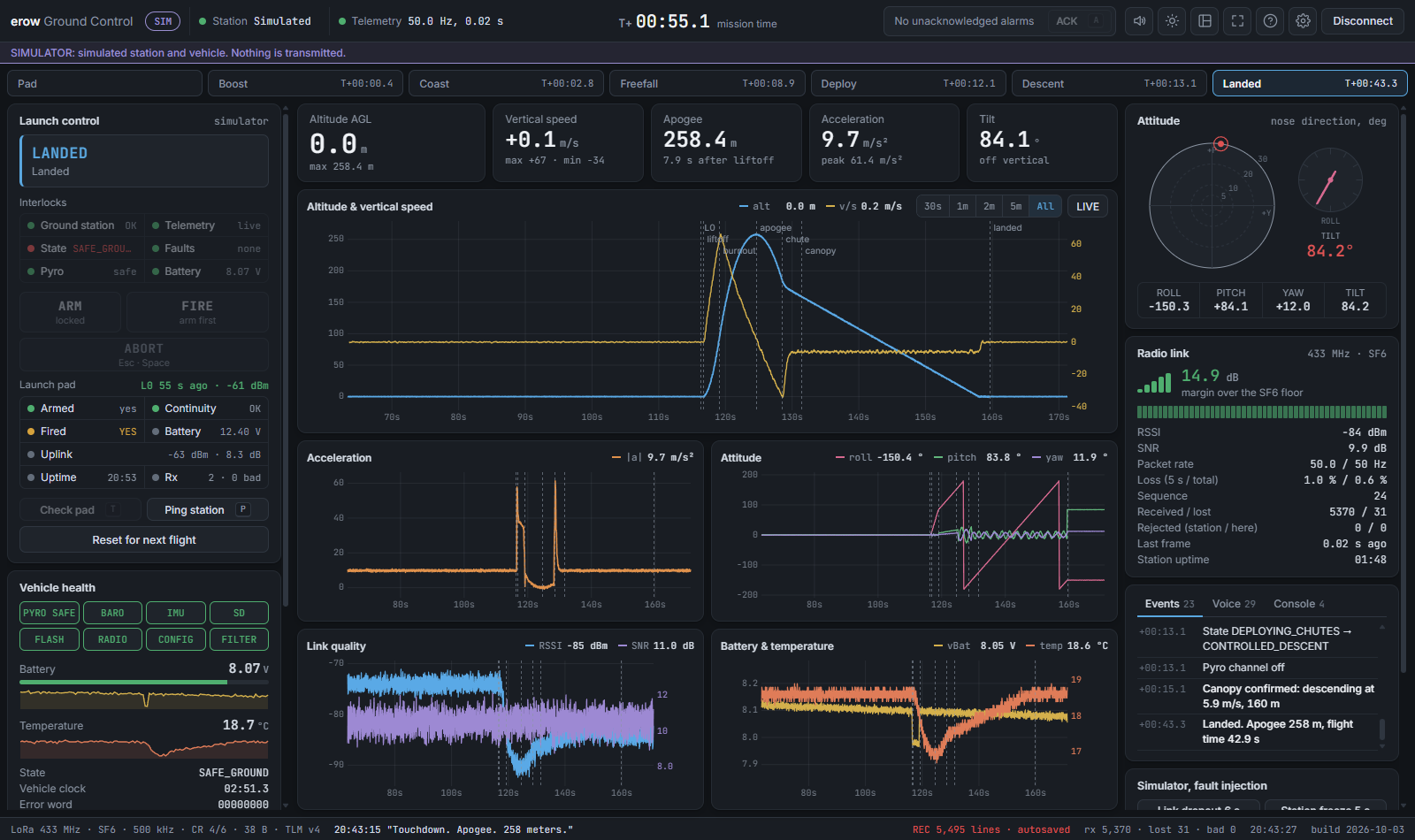
Altitude over time of a simulated flight The altitude curve of a simulated flight, drawn as you scroll, through pad, powered flight, coast, descent, deployment, canopy and landing. altitude (m) time since liftoff

Simulated flight from the HRKULES software-in-the-loop simulation. Not a real flight.

  1. 01

    On the pad

    The flight computer reads its sensors and waits. Liftoff is declared when the acceleration departs from rest and stays away for a few consecutive samples.

  2. 02

    Powered flight

    The gimbal servos attach and both axes are controlled every cycle. Every cycle is logged to flash.

  3. 03

    Coast

    Burnout is declared when the acceleration falls away and stays low, and never before the expected burn time has passed.

  4. 04

    Apogee and descent

    Apogee is declared when the altitude or the vertical speed shows that the climb is over, and not too soon after liftoff. The vehicle falls while the flight computer waits for the deploy height.

  5. 05

    Deploying

    When the filtered altitude is below the deploy height, or the backup timer has run out, the flight computer fires the charge on the pyro channel.

  6. 06

    Under canopy

    The jolt of the opening canopy is recognised from the acceleration, or opening is assumed after a short time.

  7. 07

    Landed

    Touchdown is declared when the vertical speed stays near zero for a while, or after a glide-time limit. The flight log is then copied from flash to the SD card.

Phase changes
detected from the sensors, debounced
Actions
one callback per transition
Faults
tracked per subsystem, live and latched
Start-up gate
a failed flight-critical subsystem holds the vehicle on the pad
Telemetry
phase and fault state in every packet
Rationale

Faults are tracked twice: the ones live right now, and every one seen at any point since boot. A fault that comes and goes is invisible in the live view, which is why the latch exists. If a flight-critical subsystem fails at start-up the main loop never runs and the status LED blinks: the vehicle stays on the pad instead of flying on unreliable data.

How the altitude is estimated

6.0

Operations

Launches run off a written procedure that is read out and ticked off step by step: preparation, safety, setup, the count, recovery and data.

  1. 01Flight Readiness
  2. 02Pack & Prep
  3. 03Safety Briefing
  4. 04Ground Station Setup
  5. 05Pad Setup
  6. 06Rocket Prep
  7. 07Arming & Launch
  8. 08Abort & Misfire
  9. 09Recovery
  10. 10Data & Next Flight
  11. 11GCS Guide
  12. 12Quick Reference

Hot and safe

Rocket hot
deployment charge installed and XT60 plugged in
Rocket safe
XT60 unplugged
Pad hot
igniters connected and pad key ON
Pad safe
pad key OFF

Six roles: launch lead, GCS operator, pad crew, spotter, recovery and builders.

  1. 01

    Before launch day

    Flight Readiness about a week ahead, early enough to fix things, and Pack & Prep the evening before.

  2. 02

    On arrival

    Someone reads the Safety Briefing out to everyone before anything is unpacked.

  3. 03

    Setup, in parallel

    Ground station, pad and rocket are set up at the same time, at the laptop, the pad and the prep table. Each list ends with everything safe.

  4. 04

    The count

    The launch lead reads Arming & Launch aloud, one step at a time, and waits for each answer. If anything goes differently, the team switches to Abort & Misfire.

  5. 05

    After the flight

    Recovery and Data & Next Flight follow the landing. The Ground Control guide and the quick reference stay next to the laptop all day.

7.0

Figures

Hardware, test articles and CAD from across the current campaign.
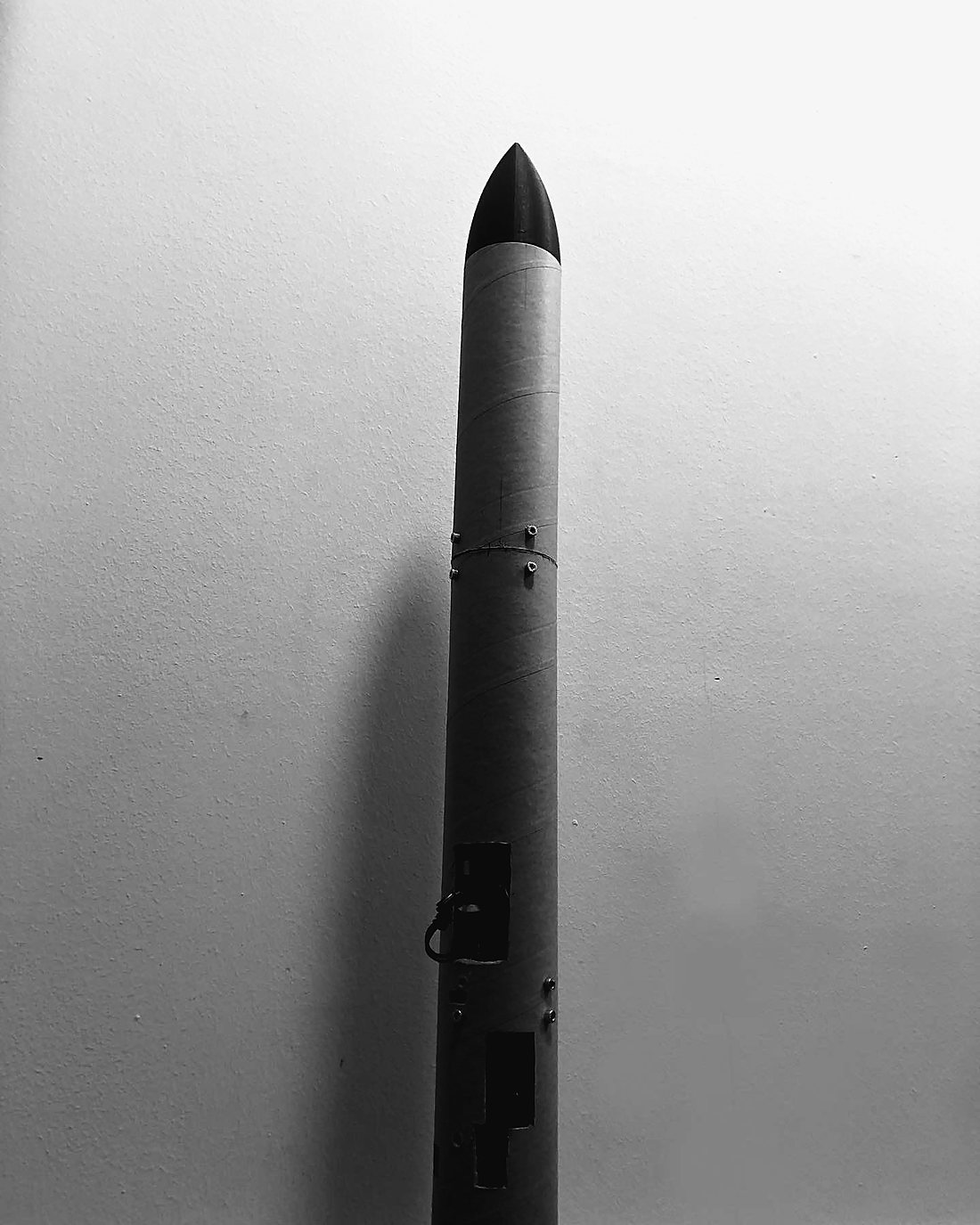
The EA-4 airframe standing during integration, access ports open
7.1 — EA-4 airframe, integration
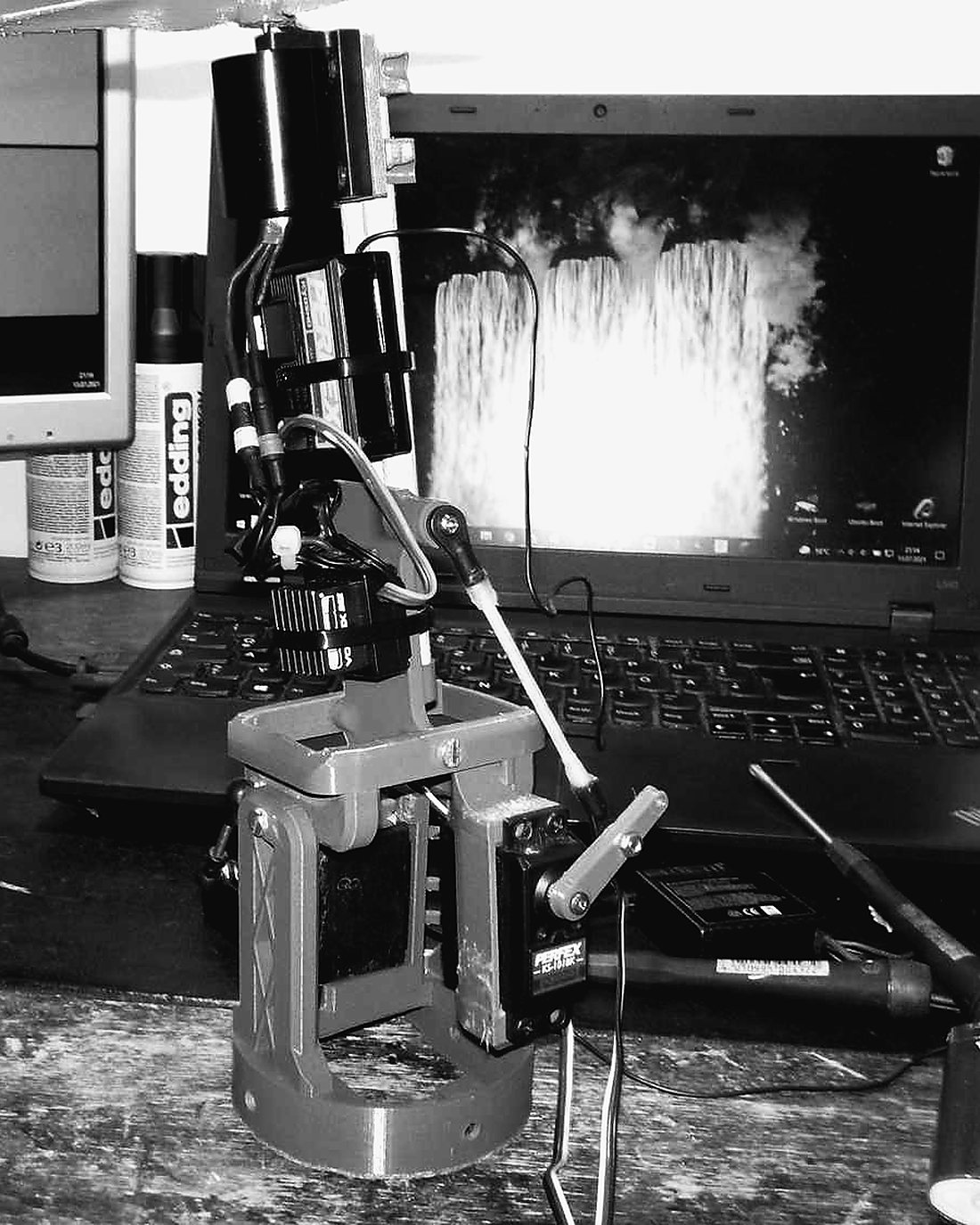
The gimbal clamped to a test stand next to a laptop
7.2 — Gimbal test stand
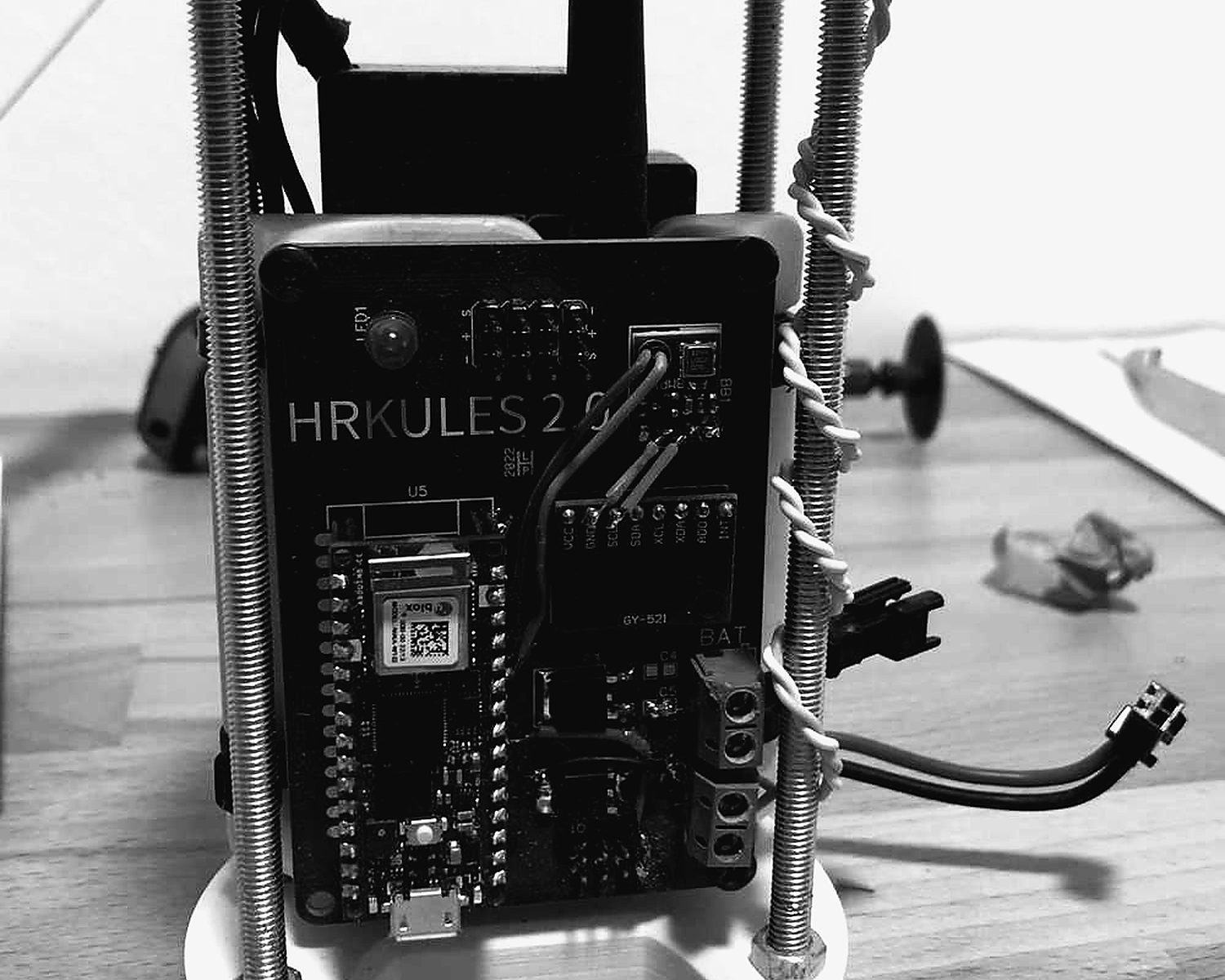
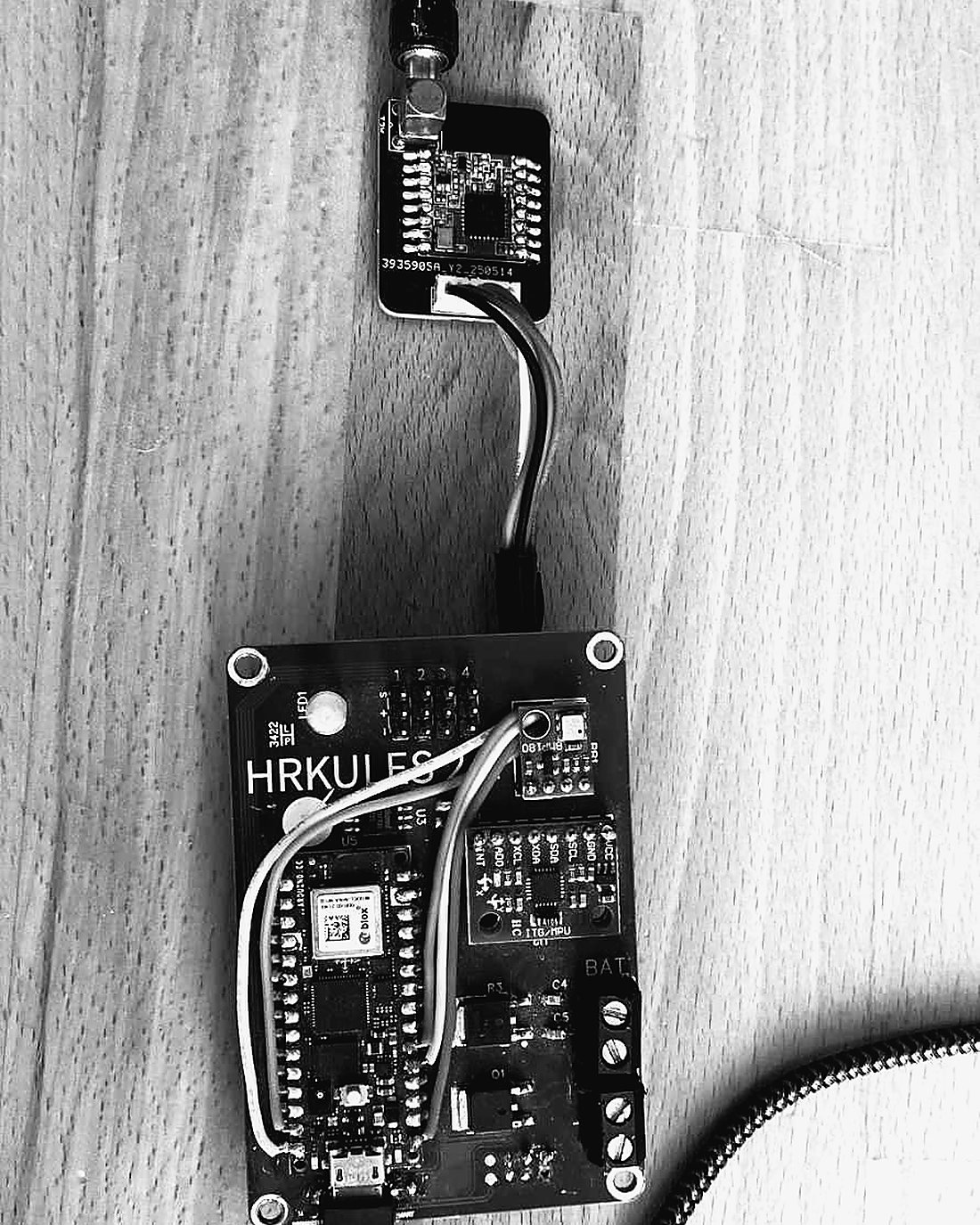
A HRKULES board wired up on the bench
7.3 — HRKULES, bench wiring
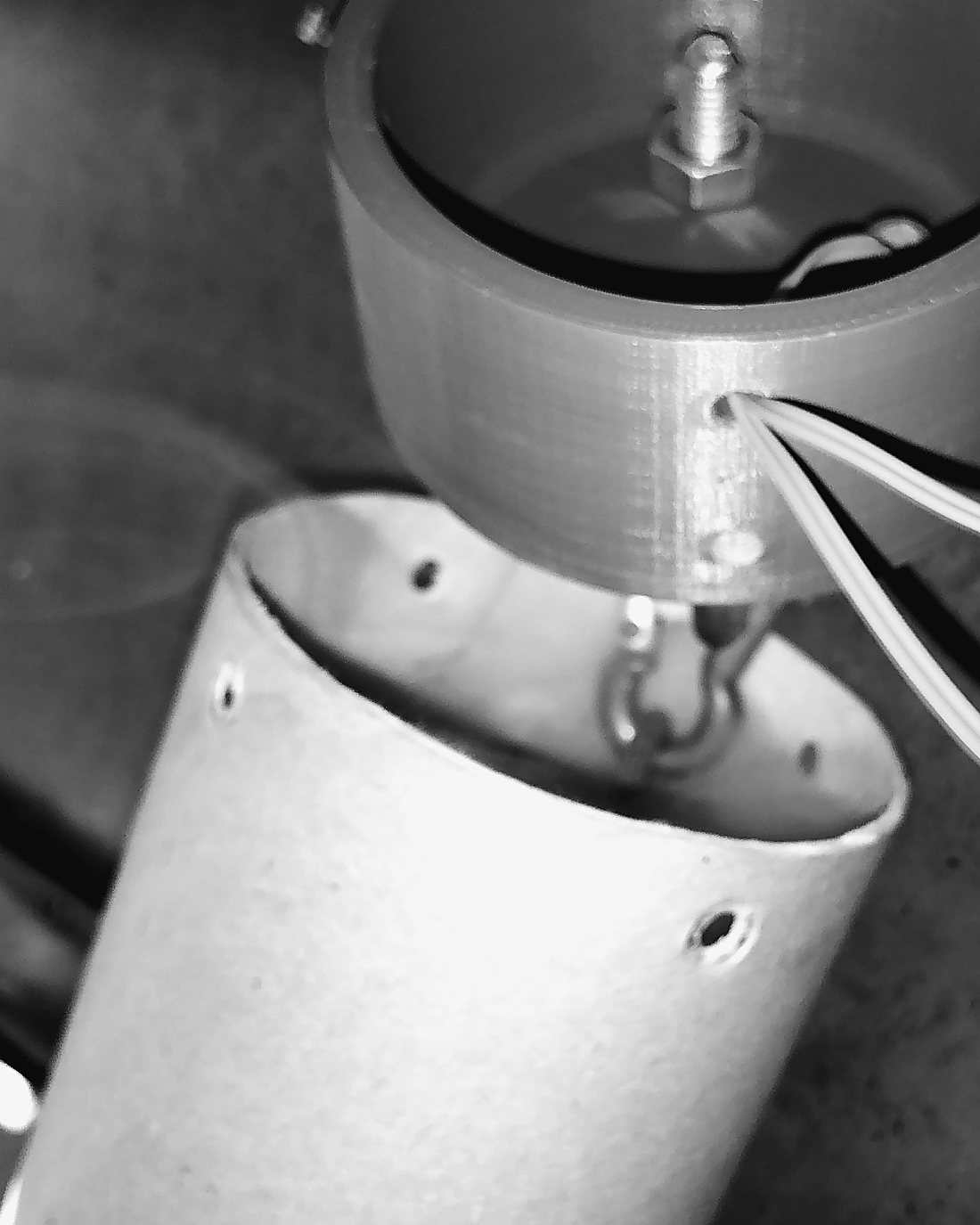
The recovery coupler lifted clear of the airframe during a separation test
7.4 — Recovery separation test
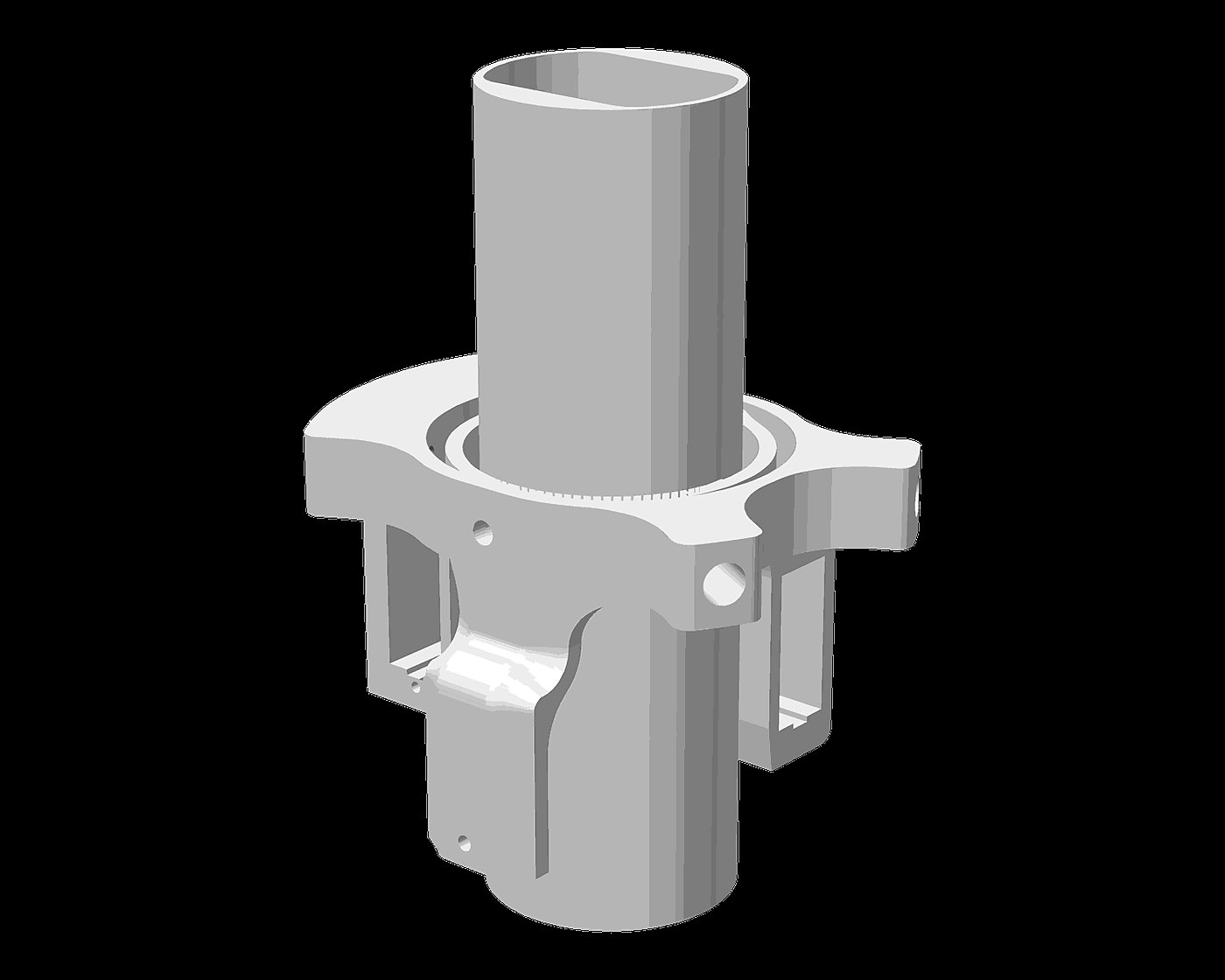
The mk10 gimbal seen from below, rendered from CAD
7.5 — Gimbal mk10, underside · CAD
The mk7 recovery section assembled, rendered from CAD
7.6 — Recovery mk7 · CAD
Two 3D printers on a workshop bench
7.7 — The print farm